
DRM-free games, old and new.
Sign in once and your GOG library is there, from the classics you grew up with to this year's releases.

Huge RPGs
The Witcher 3: Wild Hunt
Party RPGs
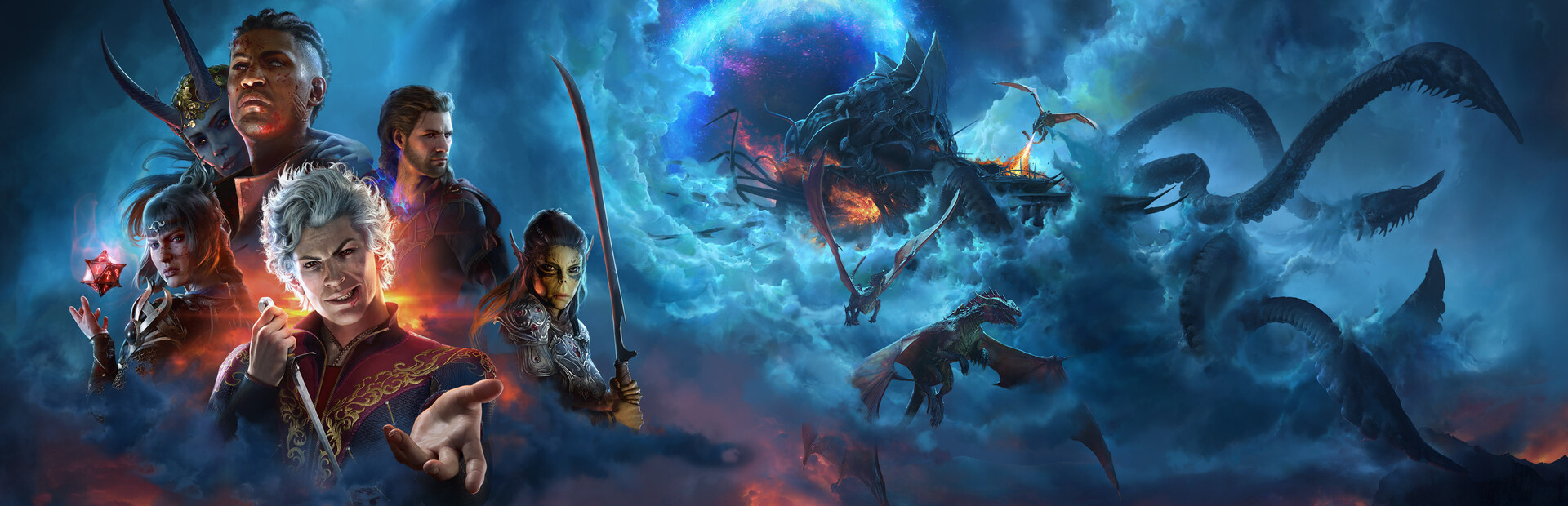
Baldur's Gate 3

Classics
Heroes of Might and Magic III

Strategy
Frostpunk

Indie
Hollow Knight

Story
Disco Elysium
Not every game runs: titles with anti-cheat or very new graphics may not start. Try yours free for 10 days.
Made so you never have to think about it.
Game Bridger takes care of the technical side, so all you do is play.
Sign in once
GOG's sign-in page opens in your browser. Paste the address it ends on back into Game Bridger and your library shows up.
- No GOG Galaxy
- Games download from GOG's servers
- Offline installers work too
DRM-free runs best
GOG games have no DRM, so most of them run well on a Mac.
No GOG Galaxy needed
Game Bridger installs your games with gogdl, an open-source GOG client. No extra launcher.
Classics and new releases
Old favorites and big 3D games, with DirectX 9, 10 and 11 support.
Got offline installers?
Run a GOG installer you already downloaded from the Other games page.
External drives
Install games on a plugged-in drive. Your Mac stays free.
2 Macs per plan
Use it on your laptop and your desktop. Move it to a new Mac in one click.
$6 a month, every store
10 days free, no card. One plan covers Epic Games, GOG and other games, on 2 Macs. Steam games are free.
Also in Game Bridger
The same app, the same plan.
Ready to play?
Free for 10 days, no card required. Open the DMG and drag Game Bridger to Applications.
Download for MacBook (.dmg)On your phone? Game Bridger runs on a Mac, so open this page on your Mac to install it.
Version 0.7.4 (beta) · macOS 13 or later · Apple Silicon (M1 to M5) & Intel · Signed & notarized by Apple
By downloading you agree to the Terms of Service and Privacy Policy.
Questions
Do I need GOG Galaxy?
No. Game Bridger signs in to GOG and installs your games itself.
I already downloaded GOG installers. Can I use them?
Yes. Open the Other games page in Game Bridger and drop the installer on it.
Will every GOG game run?
Most do, since GOG games have no DRM, but games that need DirectX 12, like Cyberpunk 2077, won't start; they're marked on the shelf above. Try yours during the 10 free days.
Is Game Bridger made by GOG?
No. Game Bridger is an independent app and is not affiliated with, endorsed by or sponsored by GOG or CD PROJEKT. Games download from GOG's own servers.
Is it an emulator or a virtual machine?
Neither. Game Bridger uses Wine, a compatibility layer that lets Windows apps run directly on macOS, plus DirectX support for games. There's no copy of Windows to install or pay for.
How do I cancel or uninstall?
Cancel from the link in your receipt email at any time. To remove the app, use Game Bridger → Uninstall Game Bridger. It removes only what Game Bridger installed.